
Overview
Install your Google Ads tag across your WordPress website in one submission. Paste your tag code, click Install, and AIM handles the placement.
Install your Google Ads tag across your WordPress website in one submission. Paste your tag code, click Install, and AIM handles the placement.
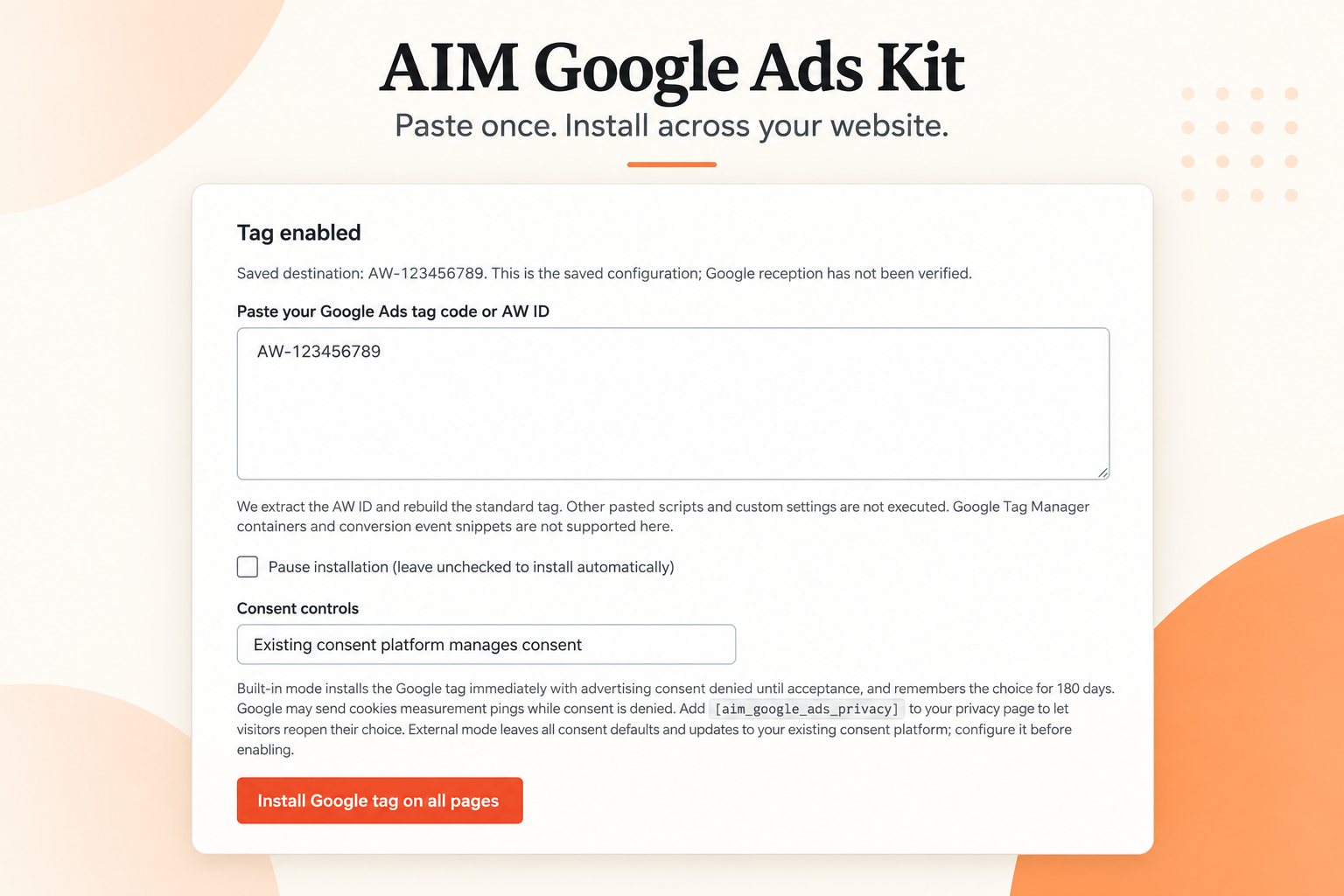
Install your Google Ads tag across your WordPress website in one submission. Paste your tag code, click Install, and AIM handles the placement.
Connect your WordPress website to Google Ads measurement without editing individual pages or theme files.
Paste your Google tag code or AW tracking ID into AIM Google Ads Kit, then click Install Google tag on all pages. The plugin automatically adds the base tag to public WordPress page headers.
WordPress 6.0+ · PHP 7.4+
1.1.0
Installs the Google Ads base tag. Purchase and other conversion events require separate configuration. Existing copies of the same tag should be disabled to avoid duplication.
Our comparison research is being prepared. Alternatives and pricing will appear here when research completes.
A guided presentation built from this listing. This preview does not run the plugin or change your website.
The Tools directory groups plugins, add-ons, modules and themes by category. Each card identifies its release status and required membership level.
Start with one service, a genuine customer question and a clear next action. Connect your tools, company profile and editorial work into a process that can improve over time.
Results depend on the business, demand, competition and execution. Set a measurable objective and review actual enquiries, costs and published work; the membership does not guarantee rankings or revenue.
Change the country and payment currency used for your visit.
Your country is suggested using your IP address. Change your region at any time; precise GPS location is not used.